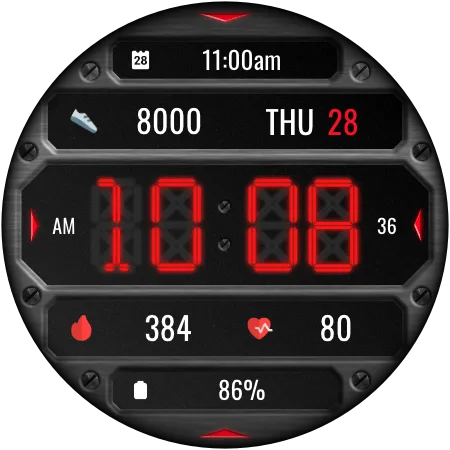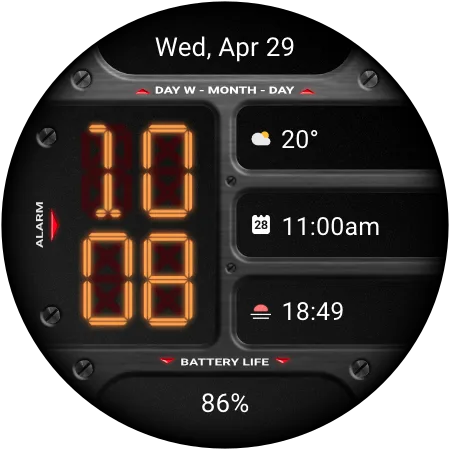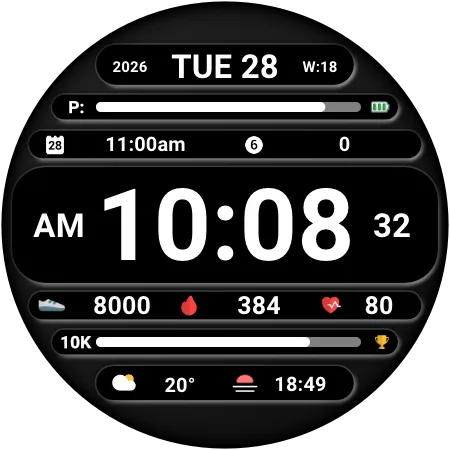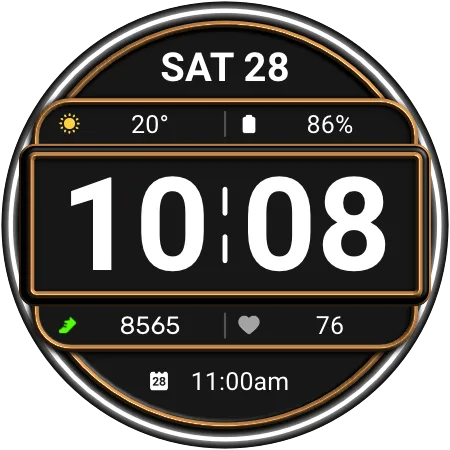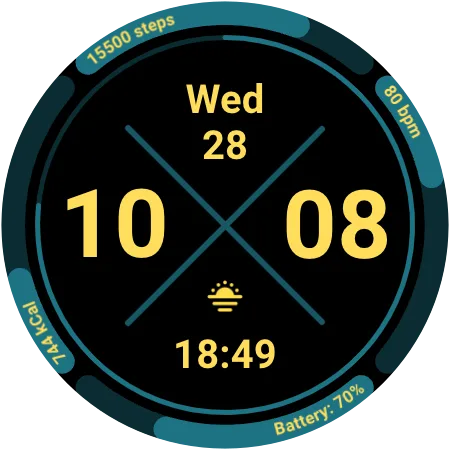
Digital
DA138 Digital
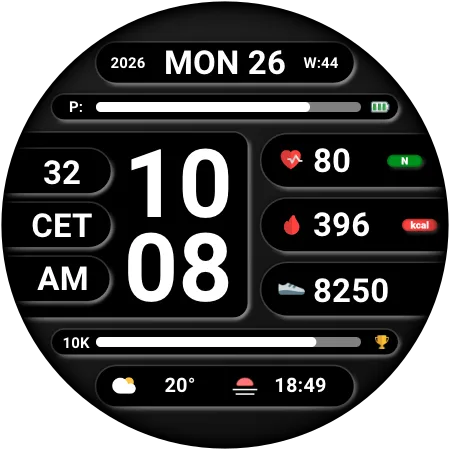
Get it on Google PlayTurn your wrist into a complete daily dashboard with the Digital Watch Face - DA138. This information-packed Wear OS watch face combines a large, easy-to-read digital clock with weather forecast, calendar info, customizable complications and customizable shortcuts, so everything you need is visible at a glance.
Key Features:
- Large Digital Clock: Bold, high-contrast time display with seconds.
- 12h/24h Support: AM/PM or 24h indicator, automatically following your time format.
- Weather Forecast: Temperature and conditions for three upcoming time slots.
- Celsius & Fahrenheit: Temperature unit automatically matches your settings.
- Full Date Info: Day, date, week number, and year in one line.
- Battery Percentage: Clear battery level at the bottom of the dial.
- Customizable Shortcuts: Launch your favorite apps with four tap-friendly shortcut icons.
- Customizable Complications: Choose the data you want to see on the display.
- Customizable Colors: Personalize the color theme to match your style or outfit.
- Customizable AOD Brightness: Adjust the Always-On Display level for battery life or visibility.
Perfect for busy professionals, fitness enthusiasts, travelers, and anyone who wants weather, and schedule information on one Wear OS screen. Whether you are at the office, at the gym, or on the go, this digital watch face keeps your day organized.
Effortless Customization:
Personalizing is easy! Simply touch and hold the watch display, then tap "Customize" to explore all the options.
Compatibility:
This watch face is compatible with all Wear OS 5+ devices including: Samsung Galaxy Watch, Google Pixel Watch, and many others.
Installation Note:
The phone app is a simple companion to help you find and install the watch face on your Wear OS device more easily. The watch face operates independently.
Discover More from Dadam Watch Faces
Love this style? Explore my full collection of unique watch faces for Wear OS. Just tap on my developer name (Dadam Watch Faces) right below the app title.